You can log in to our site only via STEAM. If you don’t have a STEAM account, please register a free one on the official site steamcommunity.com, then click the button below to log in. Logged-in users have access to many features that make browsing our store more convenient. To purchase plugins, change your IP, or recover a key, logging in is not required.
By logging in to our website, you agree to the terms of our Privacy Policy
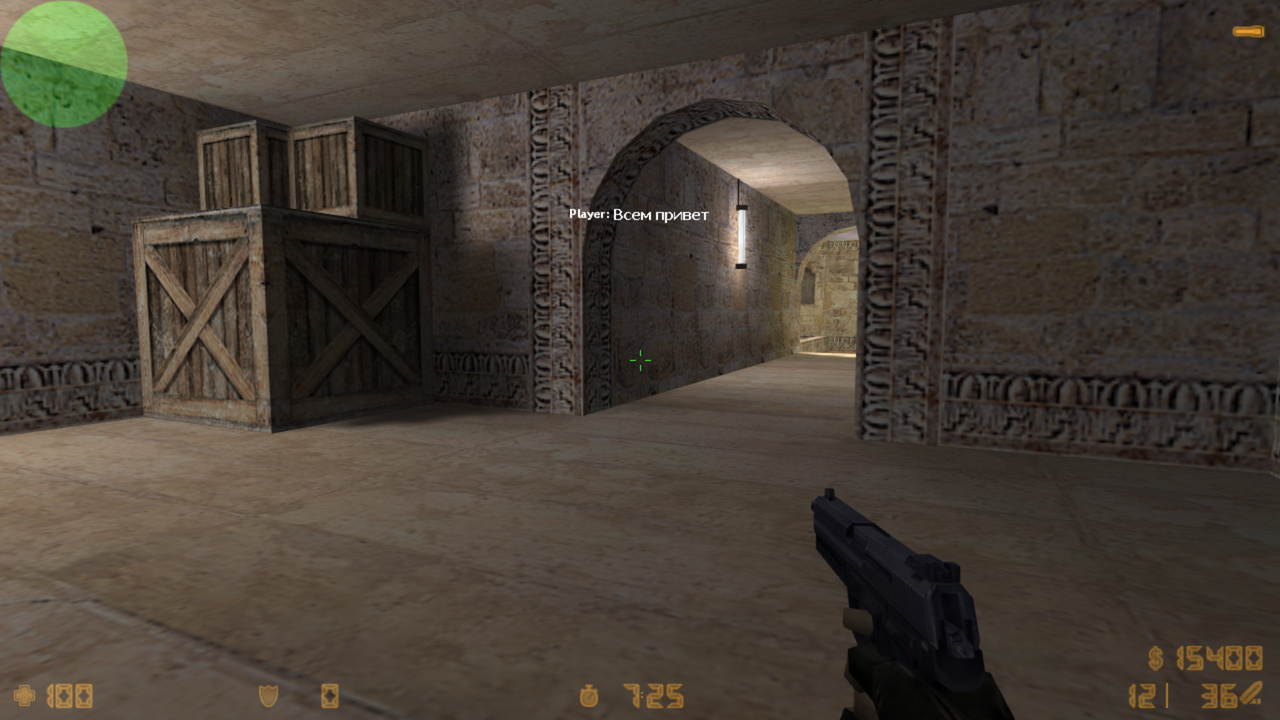
A modernized version of the standard adminchat plugin. It includes new features, fixes, and much more. Adds an admin chat, private messages, and allows a player to send messages to all admins on the server without posting in the public chat.
Features
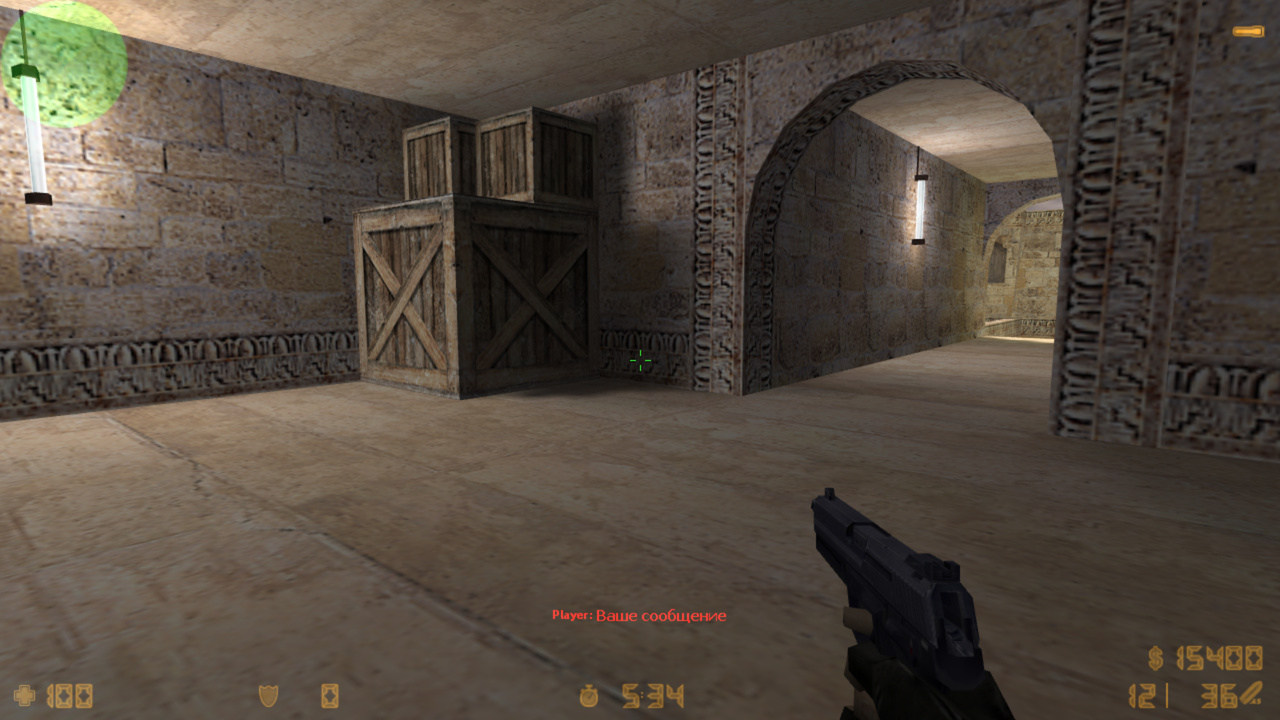
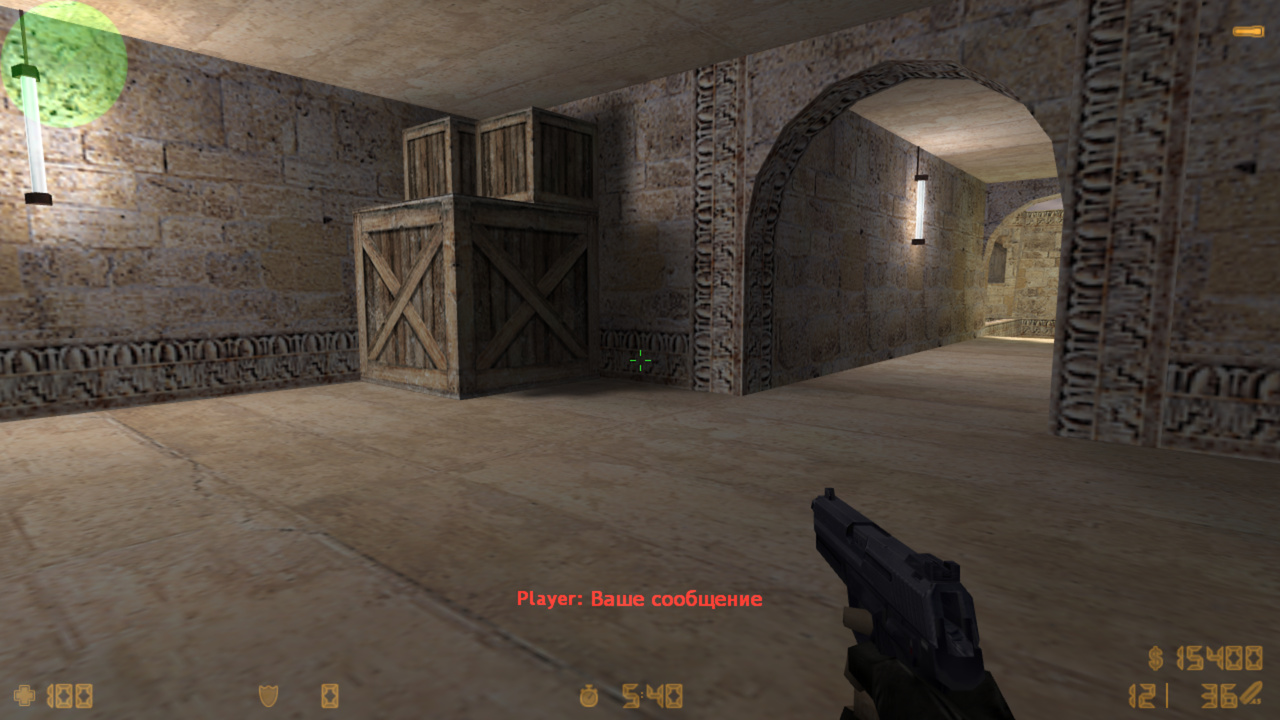
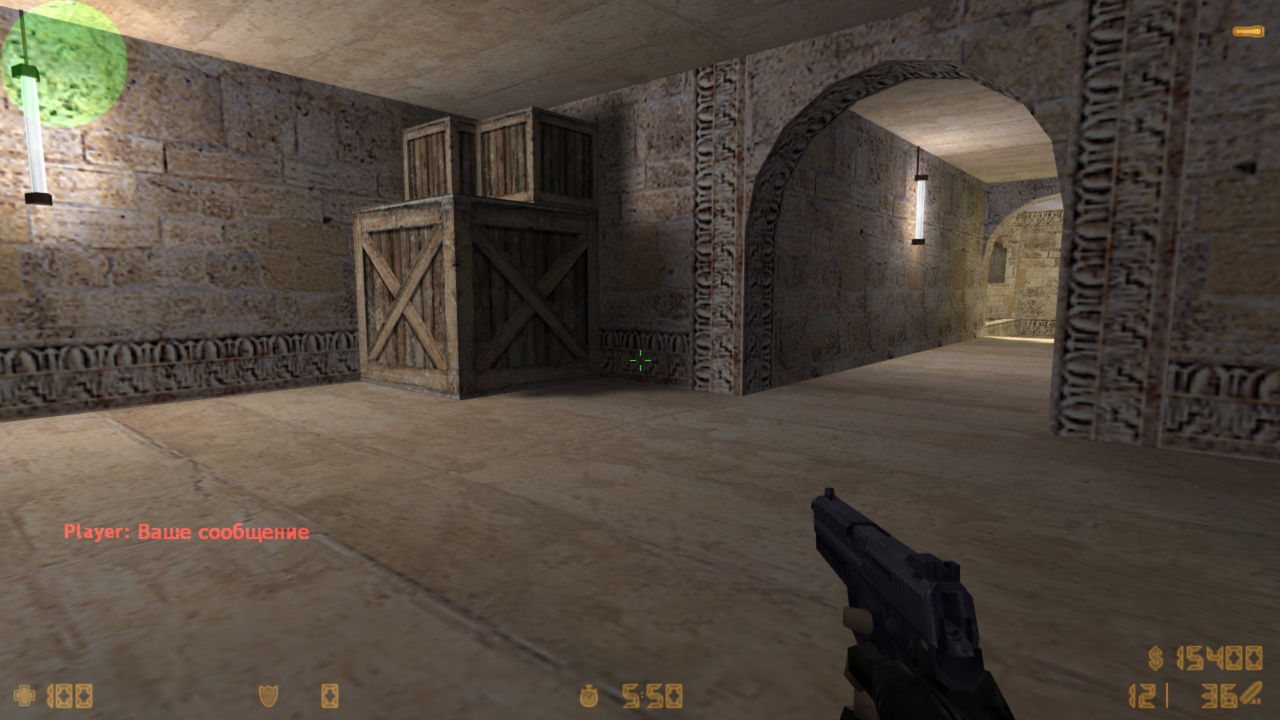
Sending HUD and DHUD (bold) messages
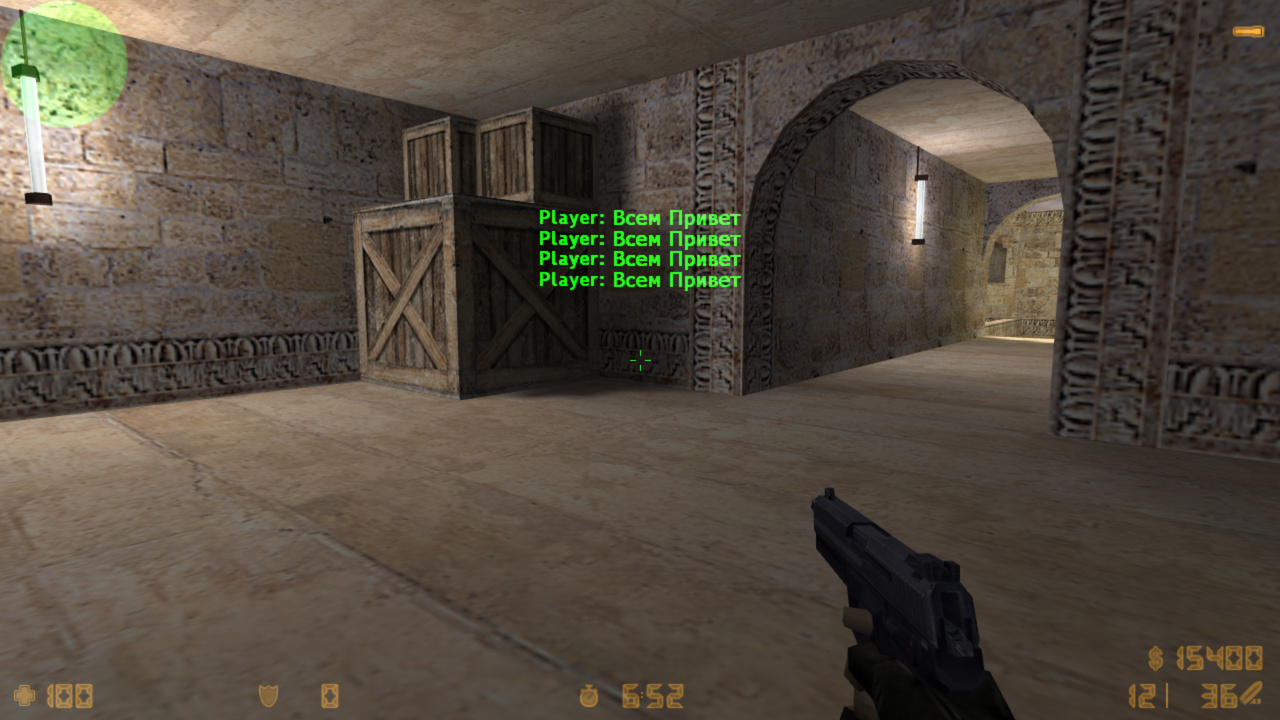
Sending chat messages to everyone
Sending chat messages to the admin chat (visible only to admins)
Sending private messages (to a specific player)
Colored chat
Support for Russian chat (if the Chat RBS plugin is installed)
Convenient message sending directly from say (no need to use console commands)
Any player can write a message to the admin chat with a request, and also send private messages
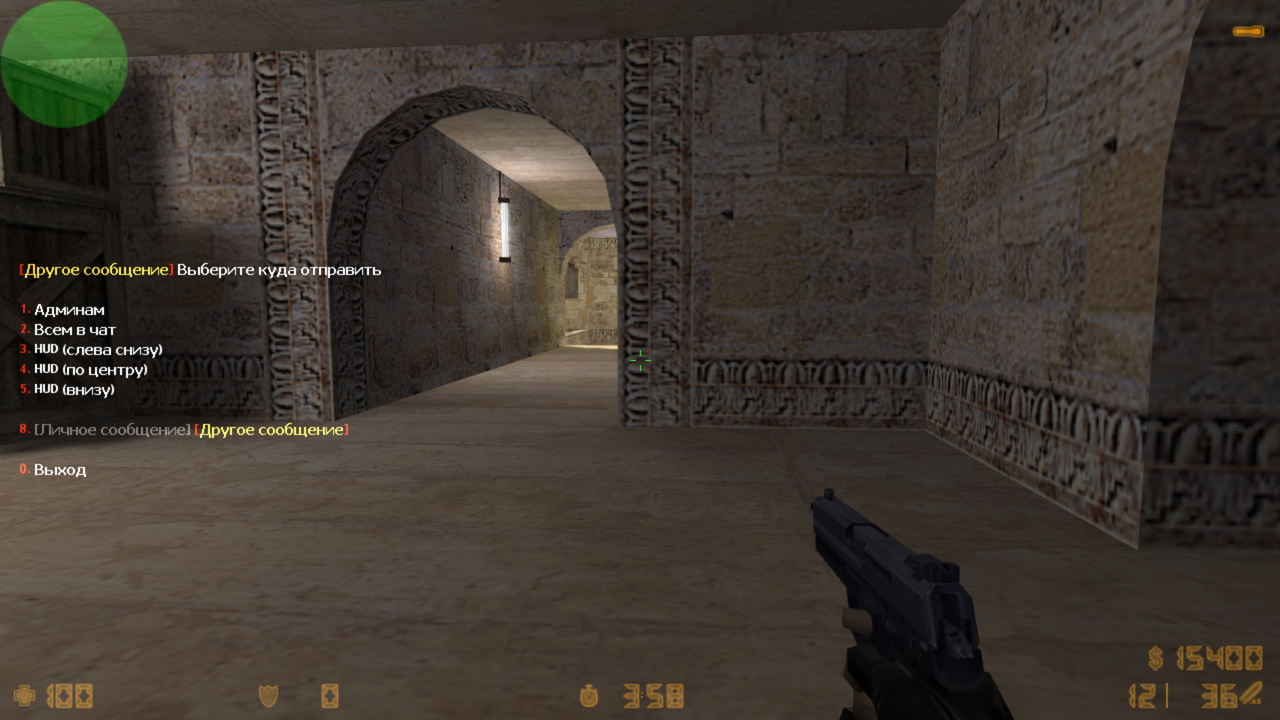
Quick message sending (private, HUD, admin chat, to all, etc.). Just type !message and a convenient menu will appear for selection
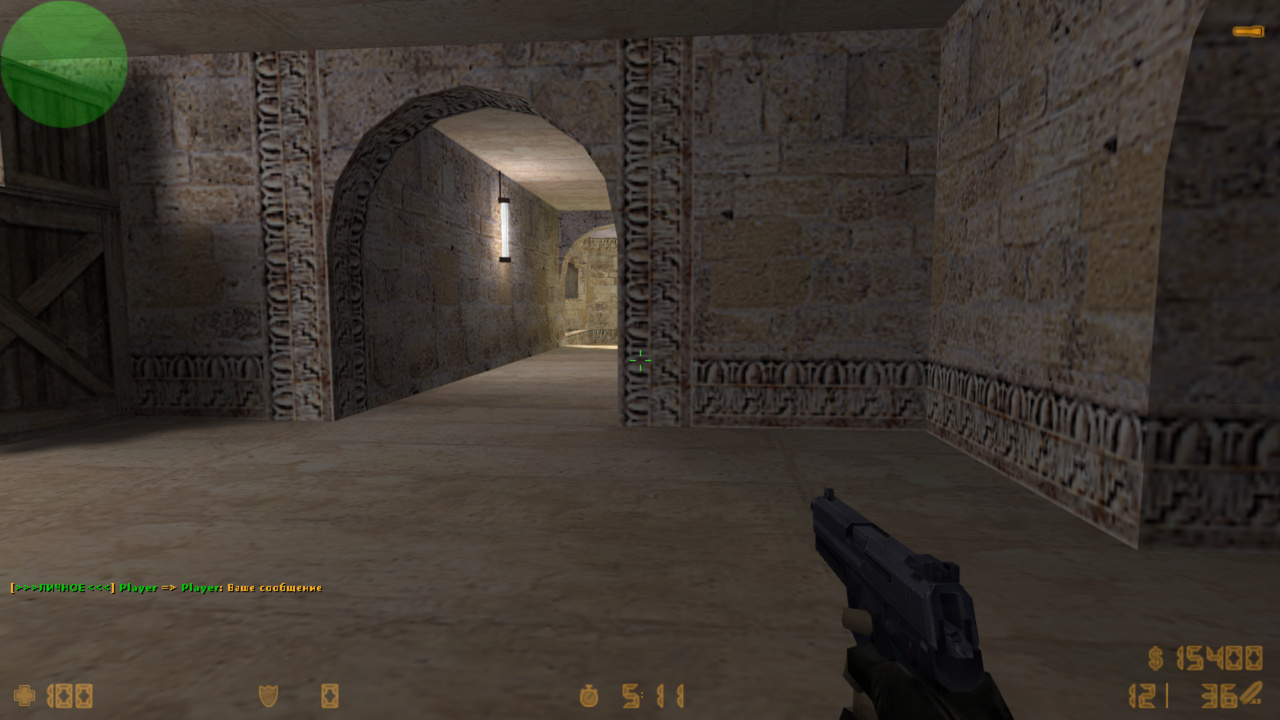
Chat command /psay shows a menu with detailed information on how to send private messages or messages to admins
How to use
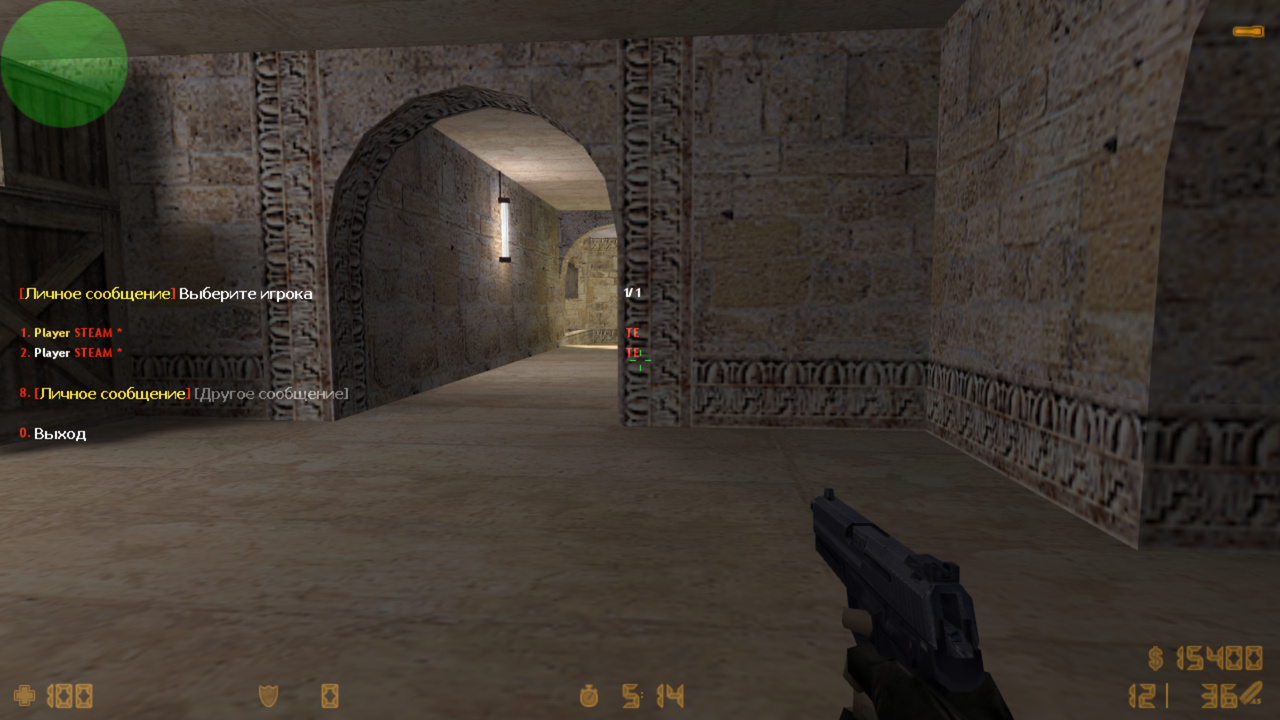
The easiest and most convenient way, both for regular players and admins, is simply to write a message in chat with an exclamation mark ! at the beginning Example: say !your message and a menu will appear where you can choose where or to whom to send the message. Players in the menu are sorted by team and frags (exactly like in TAB), the first in the menu is either the player you are currently observing or the one you last sent a message to. In this menu, you can also choose to send a message to the admin chat, HUD, or to everyone in chat (if you have access)
Messages can also be sent using other methods
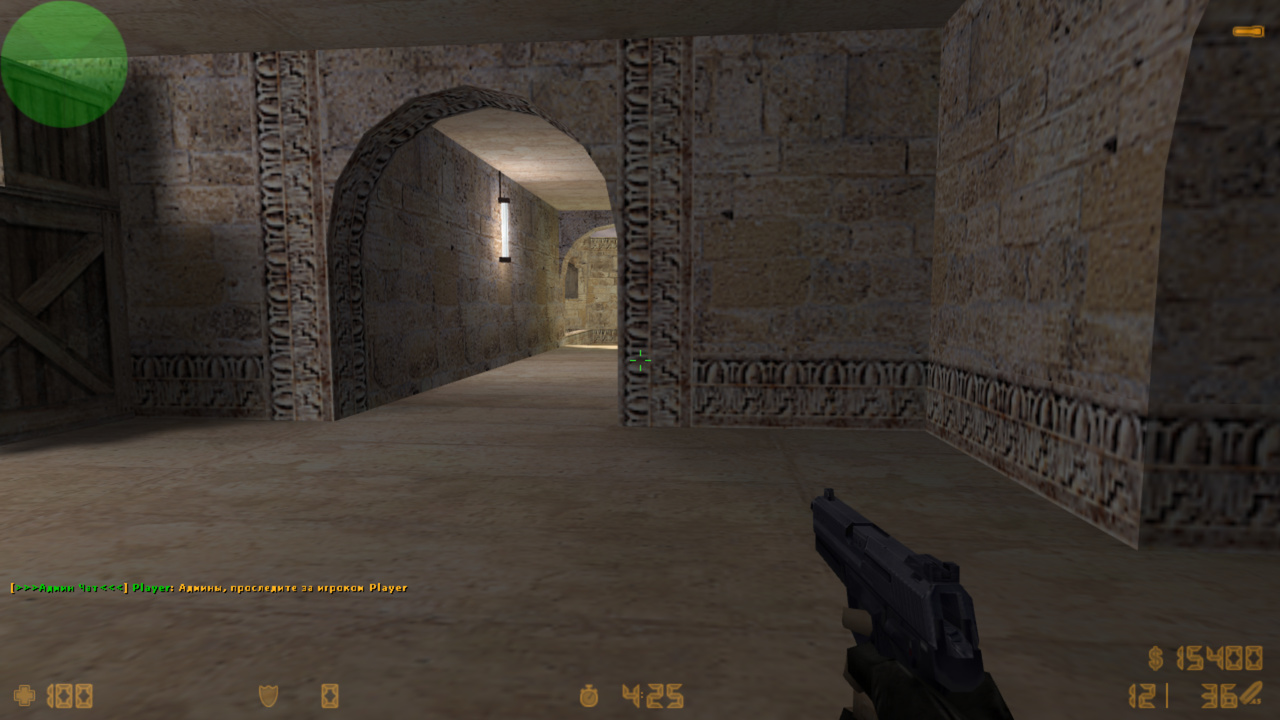
amx_chat - send a message to the admin chat (any player can write, but only admins with a flag will see it)
Example: amx_chat "Admins, watch player Player123"
Example: say !Admins, watch player Player123 (a menu will appear to choose sending to admins)
Example: say_team @Admins, watch player Player123 (note: this is say_team)
amx_psay - send a private message to a specific player (only you and the player see it)
Example: say !Hello everyone!!! (menu appears to choose sending to all)
amx_tsay, amx_csay, amx_fsay - sending colored HUD or DHUD messages at bottom-left, center, and bottom respectively
To send a DHUD message, write the color in uppercase: amx_tsay RED "message" or the first letter of the color amx_tsay R "message" To send a regular HUD message, use lowercase: amx_csay blue "message" or first letter of the color amx_csay b "message" All available colors are listed above under "Constants for HUD messages"
Alternatively, you can use: say @first_letter_colorMessage
@ - message appears as HUD or DHUD at bottom-left
two @@ - message appears centered
three @@@ - message appears at bottom
first_letter_color - optional, default is white HUD. Capital letter (e.g., R for red) gives colored DHUD
22.11.15 - обновить .amxx
- релиз БЕТА версии
21.08.22BETA - обновить .amxx
- исправили баг с длинным сообщением, ранее просто писало его в чат
- вернули команду amx_psay

20.06.06 - обновить .amxx
- добавлены форварды

20.03.06 - обновить .amxx
- добавили фикс, исправляющий %s в сообщении по центру экрана на amx190
- добавили .amxx под 190
- добавили поддержку ultimate_gag, теперь если игрок гагнут, он не может написать в личное сообщение

19.11.04 - обновить .amxx
- добавлена поддержка модуля authemu (в меню игроков показывает кто с GSCLIENT)
- добавлены квары amx_menu_steam и amx_menu_gsclient (вписывать в amxx.cfg), они включают/выключают в меню игроков надпись STEAM и GSCLIENT соответственно

19.02.22 - обновить .amxx
- исправление мелких косяков

18.10.12 - обновить .amxx, .cfg и ланг файл
- исправлен баг с задвоением админ чата
- исправлена ошибка (native "write_file") - debug not enabled!
- добавили старую команду /psay, она откроет меню с подробной информацией, как писать приватные сообщения
- добавили квар adminchat_psay_type (запрещает мертвым писать живым и другое)

18.09.15 - обновить ВСЕ ФАЙЛЫ
- добавили более удобные функции для отправки всех сообщений, пример: say !сообщение
- изменили внешний вид сообщений
- добавили логирование
- изменения коснулись ВСЕХ файлов, поэтому для корректной работы нужно обновить все файлы плагина

17.10.30 - обновить .amxx
- Доработка привязки для поддержки некоторых хостингов

17.08.09 - обновить .amxx и .cfg
- Релиз стабильной версии. Описание изменений смотрите ниже. Юзерам последней беты достаточно обновить .amxx
17.06.13 BETA - обновить .amxx и .cfg
- добавлен квар adminchat_psay_flag, который позволяет видеть админам все приватные сообщения
17.06.12 BETA - обновить .amxx (небольшие правки)
17.06.11 BETA - обновить .amxx
- Оптимизация привязки и в целом кода плагина. Плагин cкомпилирован для AMXX 1.8.2, AMXX 1.8.3 и для ReAMXX. Ключ от плагина сам перезапишется в файл fg_keys.ini и в нем будут находится все ключи от других плагинов. Все логи теперь пишутся на русском языке.
16.11.25 - обновить .amxx
- поддержка амх1.8.3
15.07.15 - обновить .amxx
- Немного изменена технология проверки ключей
- Теперь есть отдельный файл настроек в amxmodx/data/fg_settings.ini(файл сам создастся при первом включении). В файле присутствует описание кваров, если хотите, можете изменить настройки. В этом же файле теперь прописывается почта для плагина FunGunUpdater
- Всего 6 зеркал для проверки ключей
15.01.30 - обновить .amxx
- Баг с /psay
15.01.25 - обновить .amxx
- Убран баг, когда простому игроку запрещалось писать в amx_chat
15.01.05 - релиз
Category
Administrator
To see the plugin in action, go to the "Find a server with this plugin" section in the menu
// Лицензионный ключ вводить в файл amxmodx/data/fg_keys.ini (если файла нет, он создастся сам при рестарте/смены карты сервера)


// Флаг админа для доступа к командам amx_say, amx_tsay, amx_csay, amx_fsay
//	0 - выключить
adminchat_flag "i"

// Флаг админа, который может видеть все приватные сообщения
//	0 - выключить
adminchat_psay_flag "l"

// Тип личных сообщений
// Админы с флагом adminchat_flag могут в любом случае писать всем
//	0 - отключить личные сообщения
//	1 - могут писать все и всем
//	2 - мертвые могут писать только мертвым, а живые всем
//	3 - только своей команде
adminchat_psay_type "1"

// Разрешить использовать цветной чат?
//	-1 - запретить
//	0 - разрешить всем
//	N - флаг админа, который может использовать цветной чат
adminchat_color "l"

// Вести лог
//	0 - полностью отключить лог
//	a - писать в стандартные логи HL (если они включены)
//	b - в стандартные логи amxx (L00000000.log)
//	c - в лог amxmodx/logs/chat_rbs/
adminchat_logs "a"

// Константы для цветного чата
//	!n - стандартный цвет
//	!t - цвет команды
//	!g - зеленый цвет
//	!r - красный цвет
//	!b - синий цвет
//	!w - серый цвет
// Важно! Нельзя использовать в одном сообщении !r !b и !w цвета!

// Константы для HUD сообщений
//	w - white		(белый)
//	r - red			(красный)
//	g - green		(зеленый)
//	b - blue		(синий)
//	y - yellow		(желтый)
//	p - purple		(фиолетовый)
//	c - cyan		(сине-зеленый)
//	o - orange		(оранжевый)
//	h - heavenly	(голубой)
//	m - maroon		(каштановый)


///////////////////////
// КОМАНДЫ И ПРИМЕРЫ //
///////////////////////

// Проще и удобнее всего, как для обычных игроков, так и для админов,
// это просто написать в чат сообщение, с восклицательным знаком ! в начале
//	Пример: say !текст сообщения
// откроется меню, в котором можно будет выбрать, куда или кому отправить это сообщение

//	amx_chat - отправить сообщение в чат админов(любой игрок может туда что то написать, но только админы с флагом увидят это сообщение)
//		Пример: amx_chat "Админы, проследите за игроком Player123"
//		Пример: say !Админы, проследите за игроком Player123   (появится меню, и там выбрать отправить админам)
//		Пример: say_team @Админы, проследите за игроком Player123   (заметьте, что именно say_team)

//	amx_psay - отправить приватное сообщение, определенному игроку (увидят его только Вы и он)
//		Пример: amx_psay "Player" "Привет, это я, SKAJIbnEJIb"
//		Пример: say !Привет, это я, SKAJIbnEJIb (появится меню, и там выбрать игрока, которому отправится сообщение)

//	amx_say - отправить сообщение всем
//		Пример: amx_say "Всем привеееет!!!"
//		Пример: say_team @@Всем привеееет!!!   (заметьте, что именно say_team)
//		Пример: say !Всем привеееет!!! (появится меню, и там выбрать отправить всем в чат)

//	amx_tsay, amx_csay, amx_fsay - отправка цветного HUD или DHUD сообщения слева снизу, по центру и снизу соответственно
//		Чтобы отправить DHUD сообщение напишите цвет большими буквами: amx_tsay RED "сообщение" или первую букву цвета amx_tsay R "сообщение"
//		Для отправки обычного HUD сообщения напишите цвет маленькими буквами: amx_сsay blue "сообщение" или также первую букву цвета amx_сsay b "сообщение"
//		Все доступные цвета указаны Выше, в "Константы для HUD сообщений"
//
//		Или можно писать так: say @первая_буква_цветаСообщение
//			@ - означает, что сообщение будет HUD или DHUD слева снизу
//			если ввести две @@, то сообщение будет по центру
//			если три @@@, то снизу
//			первая_буква_цвета - не обязательный параметр, если не указывать, то будет белый HUD
//			если указать большую букву цвета, например R(красный), то будет красный DHUD
//		Пример: amx_fsay ocean "Всем привеееет!!!"   (обычный худ, цвета ocean, расположен внизу)
//		Пример: say @GВсем привеееет!!!   (DHUD, цвета GREEN, расположен слева снизу)
//		Пример: say @@Всем привеееет!!!   (обычный худ, белого цвета, расположен по центру)
//		Пример: say @@@WВсем привеееет!!!   (DHUD, белого цвета, расположен внизу)
//
//		Пример: say !GВсем привеееет!!!		(появится меню, и в нем выберете, в какой худ отсылать сообщение)
//											(обратите внимание, на букву G в начале. Это означает жирный dhud зеленым цветом, можно не указывать)
[ru]
ADMINCHAT_PREFIX_PRIVATE = !n[!g>>>ЛИЧНОЕ<<<!n] !g%s !n=> !g%s!n: %s
ADMINCHAT_PREFIX_ADMIN = !n[!g>>>Админ Чат<<<!n] !g%s!n: %s
ADMINCHAT_PREFIX_ALL = !n[!g>>>ВСЕМ<<<!n] !g%s!n: %s

ADMINCHAT_PRIVATE_TITLE = \r[\yЛичное сообщение\r]\w Выберете игрока
ADMINCHAT_PRIVATE_OPTION = \r[\yЛичное сообщение\r] \d[Другое сообщение]

ADMINCHAT_MORE_TITLE = \r[\yДругое сообщение\r]\w Выберете куда отправить
ADMINCHAT_MORE_OPTION = \d[Личное сообщение] \r[\yДругое сообщение\r]
ADMINCHAT_MORE_1 = Админам
ADMINCHAT_MORE_2 = Всем в чат
ADMINCHAT_MORE_3 = HUD (слева снизу)
ADMINCHAT_MORE_4 = HUD (по центру)
ADMINCHAT_MORE_5 = HUD (внизу)

ADMINCHAT_PSAY_DISABLE	= Личные сообщения отключены!
ADMINCHAT_PSAY_ALIVE	= Мертвые не могут писать живым!
ADMINCHAT_PSAY_TEAM		= Можно писать только игрокам из своей команды!

ADMINCHAT_OLDMENU1 = \r[\yЛичное сообщение\r]\w Инструкция^n^n
ADMINCHAT_OLDMENU2 = Для отправки Личного сообщения^n
ADMINCHAT_OLDMENU3 = поставьте перед ним восклицательный знак \r!\w^n
ADMINCHAT_OLDMENU4 = Просто напишите в чат: \r!\yваше_сообщение^n\w
ADMINCHAT_OLDMENU5 = после чего откроется меню^n
ADMINCHAT_OLDMENU6 = в нем выберете куда или кому отправить^n
ADMINCHAT_OLDMENU7 = ^n
ADMINCHAT_OLDMENU8 = Например нажали \yY\w и написали: \r!\yHi Player\y^n
ADMINCHAT_OLDMENU9 = \w
/* AdminChat RBS Functions
*
* by SKAJIbnEJIb
*
* This file is provided as is (no warranties).
*/

#if defined _adminchat_rbs_included
  #endinput
#endif
#define _adminchat_rbs_included


#define ADMINCHAT_EVENT_ADMIN		1	// "amx_chat" - сообщение в админ чате
#define ADMINCHAT_EVENT_ALL			2	// "amx_say" - сообщение всем
#define ADMINCHAT_EVENT_PRIVATE		3	// "amx_psay" - приватное сообщение
#define ADMINCHAT_EVENT_HUD			4	// худ сообщения

#if defined ADMINCHAT_RECURSION
	#undef _adminchat_rbs_included
	#endinput
#endif


// Вызывается, когда посылается сообщение в чат
//	type - тип чат сообщение (смотрите константы ADMINCHAT_EVENT_*)
//	sender - отправитель сообщения
//	receiver - кто принял сообщение (0 если все)
forward adminchat_event(type, sender, receiver);