You can log in to our site only via STEAM. If you don’t have a STEAM account, please register a free one on the official site steamcommunity.com, then click the button below to log in. Logged-in users have access to many features that make browsing our store more convenient. To purchase plugins, change your IP, or recover a key, logging in is not required.
By logging in to our website, you agree to the terms of our Privacy Policy
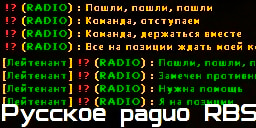
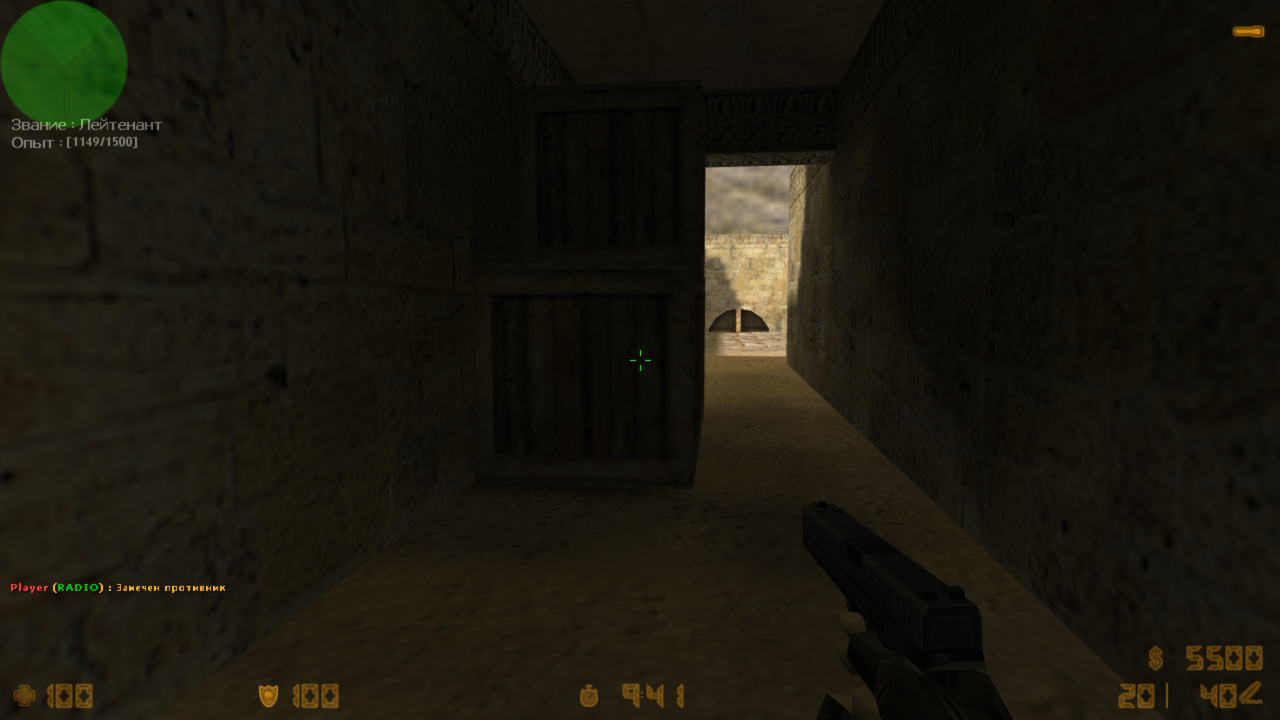
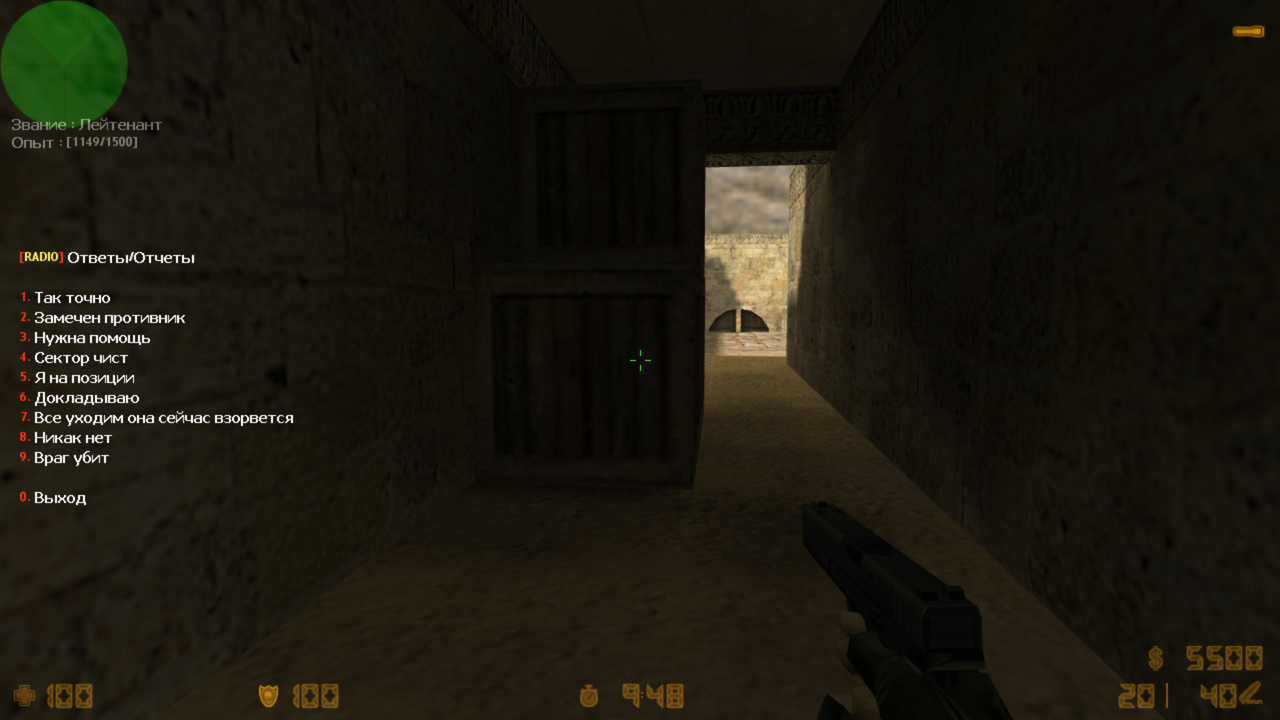
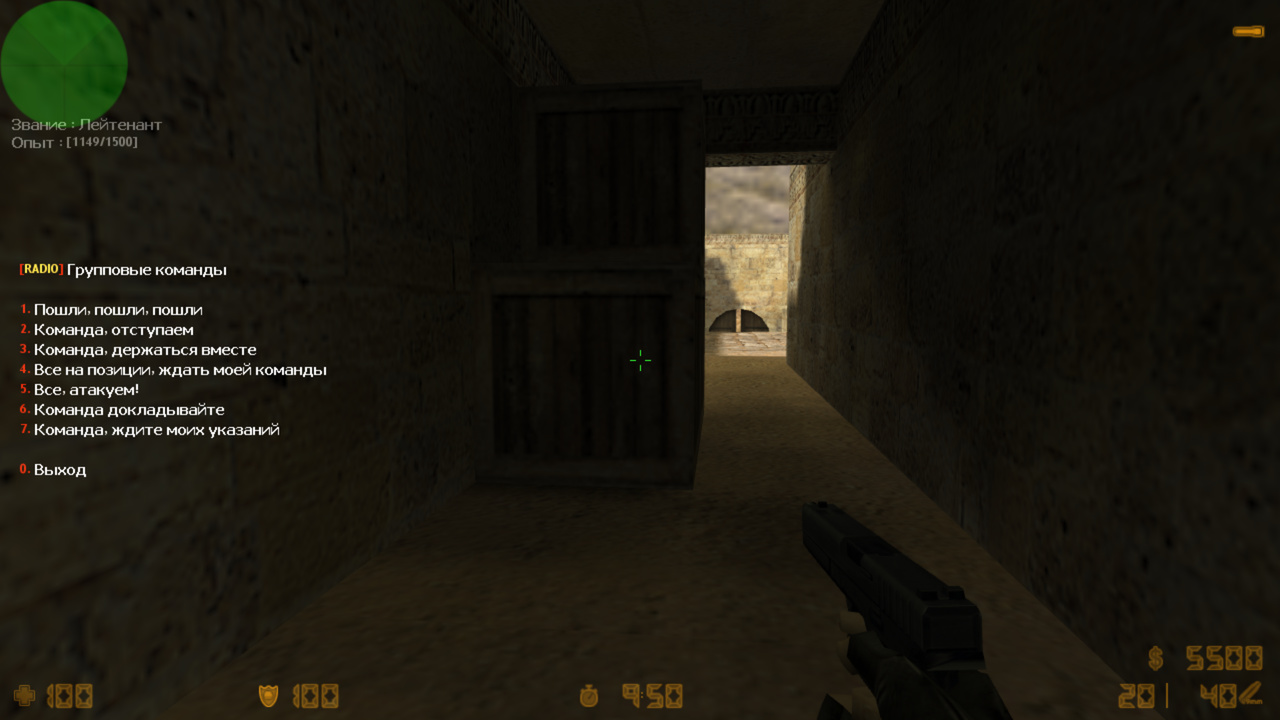
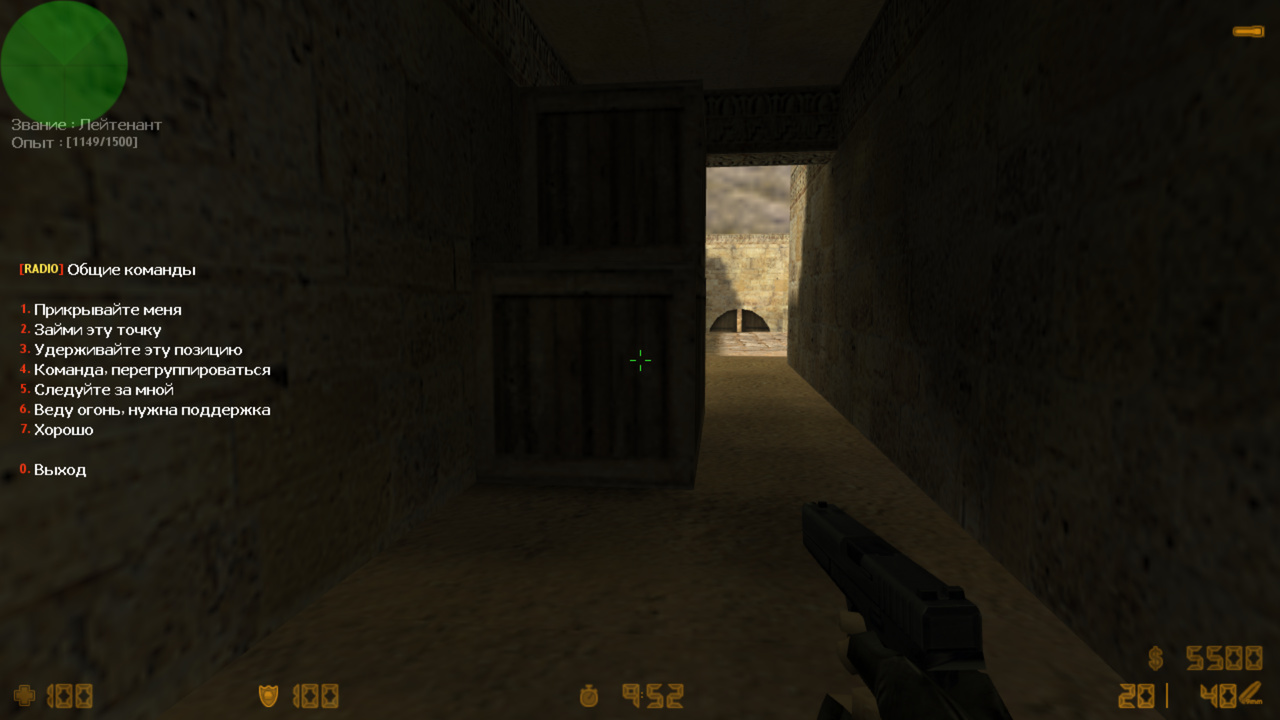
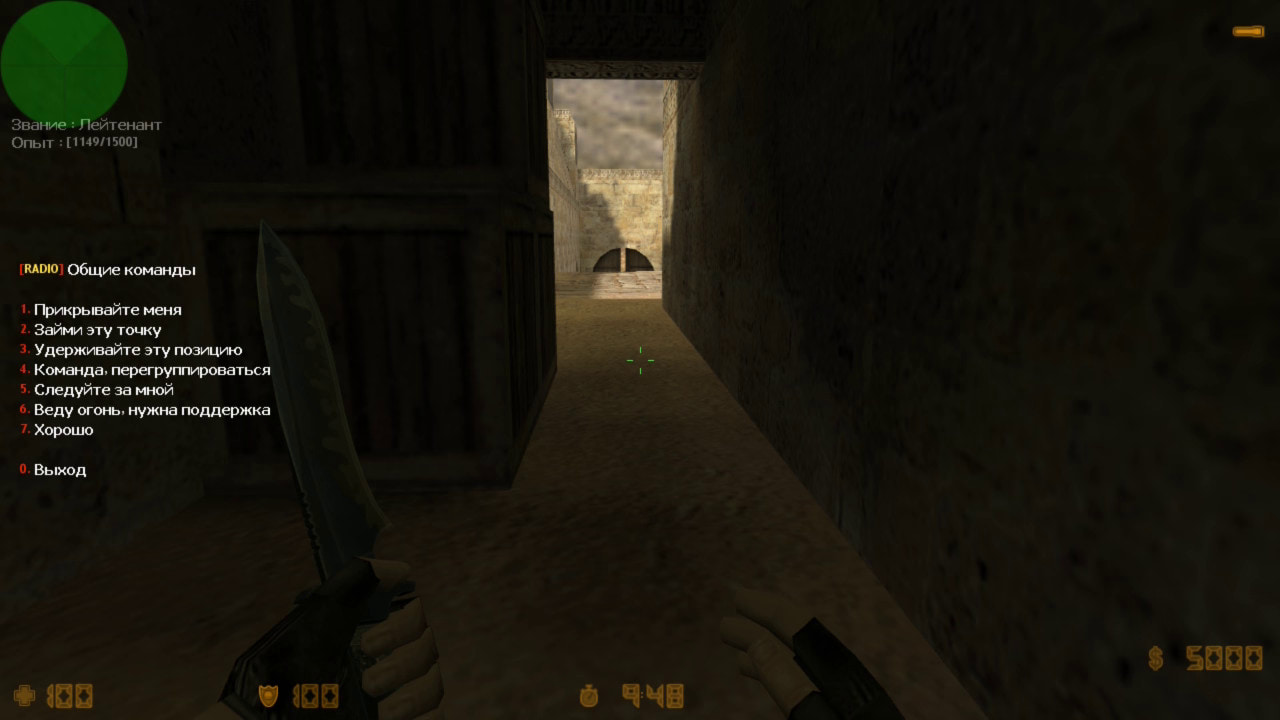
This plugin not only fully localizes all CS 1.6 radio commands into Russian, but also allows you to add additional sounds, replace existing sounds with your own, correct text in menus or chat, and change text and audio for events like Counter-Terrorist Win, Round Draw, and others. Everything is configurable via a config file. The archive includes 6 different Russian radio voice packs. Of course, it also supports colored text in the radio command chat. With this plugin, players will start using the radio in Counter-Strike 1.6, as everything will now be clear and in their native language.
Features:
Completely redesigned standard radio command menus: radio1, radio2, radio3
Added a 4th menu: radio4 (since CS has audio files in the radio folder that aren’t used anywhere, we added an extra menu)
Ability to add/remove/customize all menu items. Edit any line to your liking and set any audio file.
Colored text in radio command chat, configurable via the config file.
If the Chat RBS plugin is installed, radio commands can be displayed in chat with the same format (color, prefixes, etc.) as RBS chat. No extra tricks required, just enable or disable the cvar in the config.
Changes text in the center of the screen and sounds for game events such as: terwin, ctwin, rounddraw, bombdef, bombpl, rescued, and hosdown
Built-in basic anti-flood for radio commands. For more advanced protection, use Chat Controller
Add new sounds or change existing ones at the start of the round, such as "OK, let's go"
Improved grenade throw messages. Displays exactly which grenade the player threw and can play a corresponding sound (e.g., "throwing flashbang"). If such files aren’t found online, you can record them yourself. If you find suitable sounds, report them in bugs and they will be added to the plugin.
20.03.06 - обновить .amxx - добавили фикс, исправляющий %s в сообщении по центру экрана на amx190 - добавили .amxx под 190
18.02.08 - обновить .amxx - Релиз бета версии - Добавили проверку на цвета в нике !g !t !n 18.01.17BETA - обновить .amxx Добавили вот такую штуку: - Если хотите отключить звук, то поставьте перед звуком "0". Пример: radio_sound "00" "0radio/russian1/ct_fireinhole.wav" - Если хотите отключить текст сообщение, то поставьте перед звуком "!". Пример: radio_sound "00" "!radio/russian1/ct_fireinhole.wav"
17.12.22 - обновить .amxx - сделали экранирование символов в нике, таких как !n !t
17.12.18 - релиз
Category
Server
To see the plugin in action, go to the "Find a server with this plugin" section in the menu
/* Radio RBS Functions
*
* by SKAJIbnEJIb
*
* This file is provided as is (no warranties).
*/

#if defined _radio_rbs_included
  #endinput
#endif
#define _radio_rbs_included

// Ставить после return в форварде
#define RADIO_CONTINUE	0 // продолжит как полагается плагину
#define RADIO_DEFAULT 	1 // посылает радио команду по умолчанию (как раньше в кс)
#define RADIO_BLOCK		2 // блокирует вывод команды


// Вызывается, когда посылается радио команда
//	id - игрок или если серверная команда(терроры победили и др), то id=0
//	type - "группа" команды, от 0-6 (см конфиг)
//	key - "номер" команды, от 0-9 (см конфиг)
forward radio_event(id, type, key);

// Возвратит true если плагин работает
native radio_enable();