|
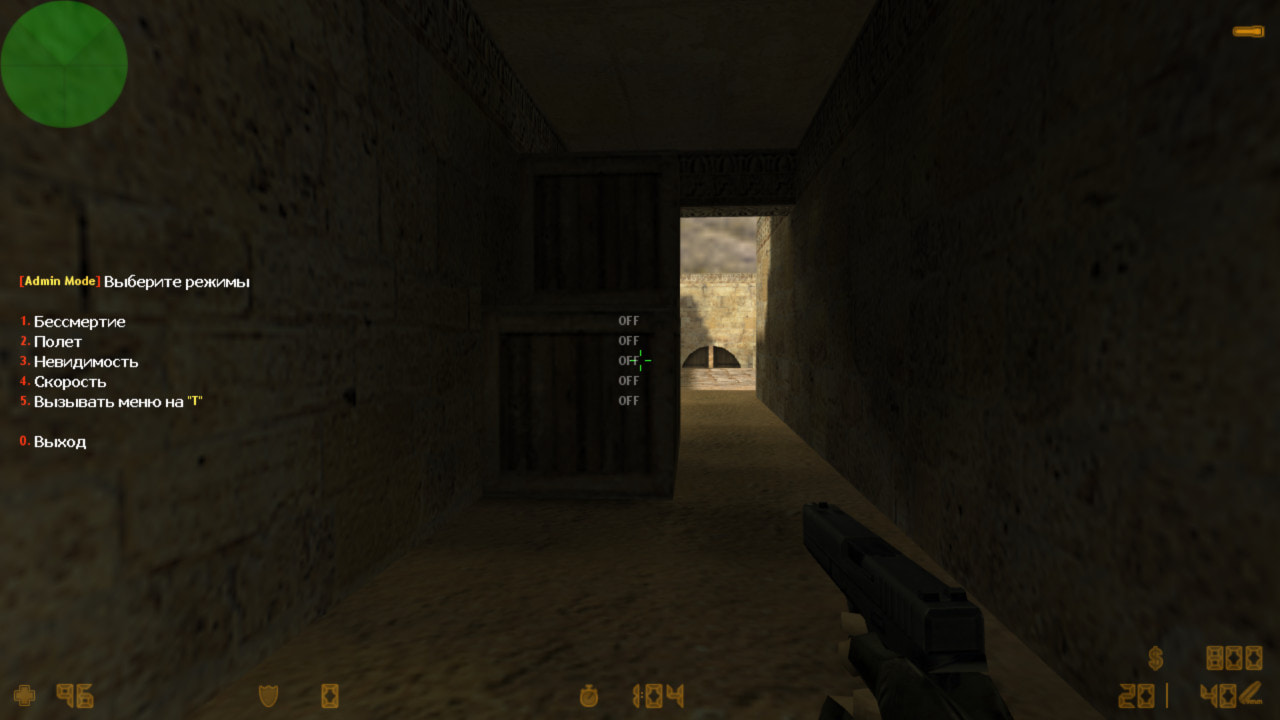
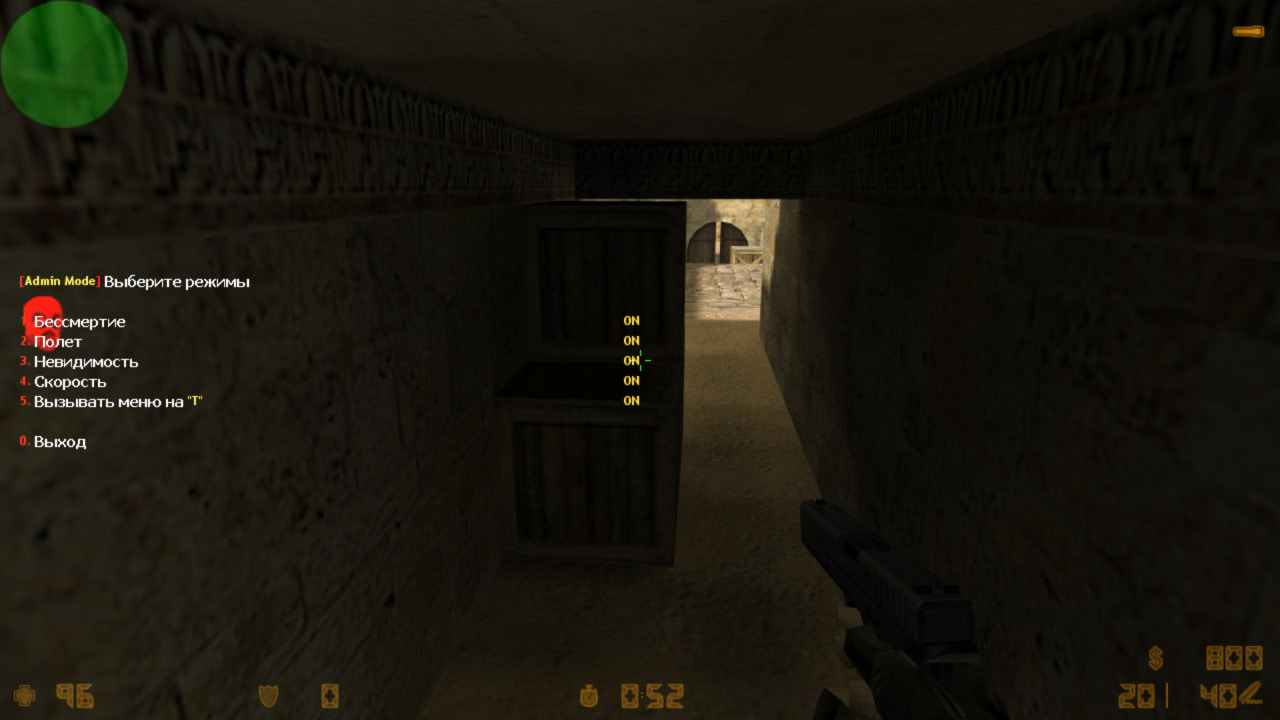
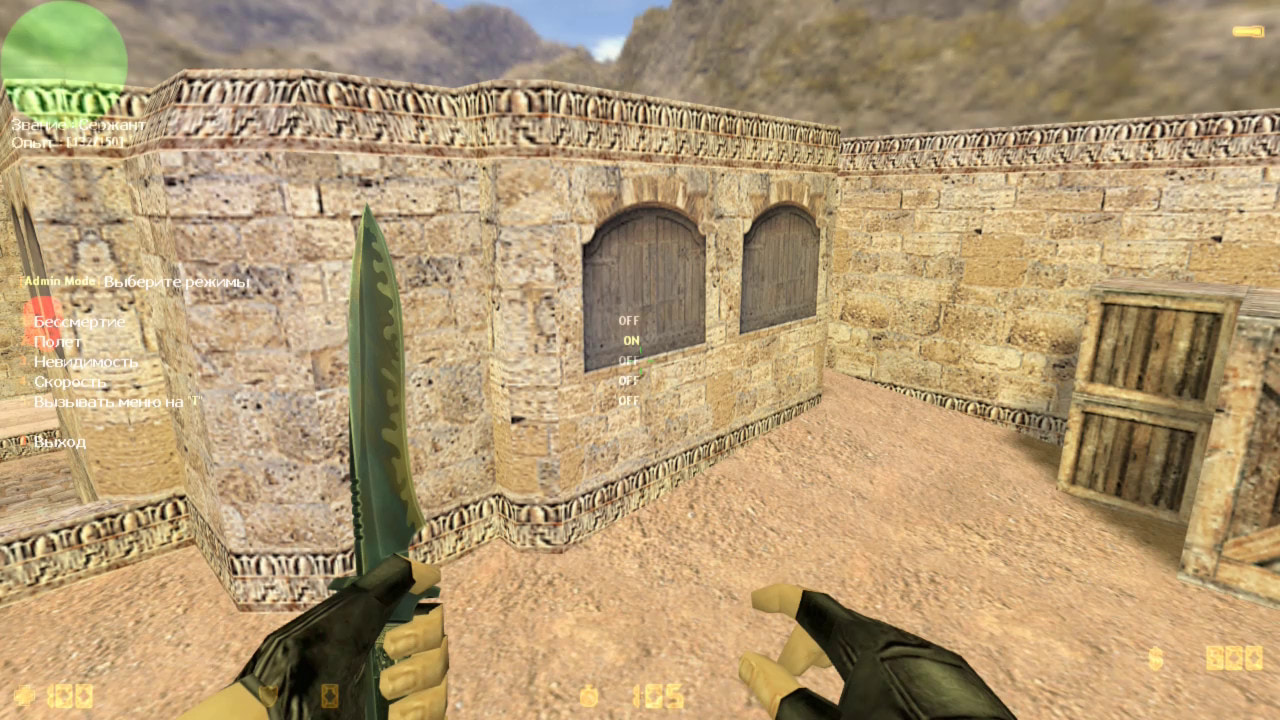
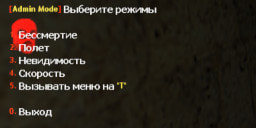
This plugin allows admins to enable immortality, invisibility, fast running, and flight. These modes are useful when placing objects, spawns, and other items for other plugins on the map. Sometimes on a CS server, you need to place various objects, such as Christmas trees/gifts for the holidays, camper zones, chests, spawns, runes, etc. There can be many possibilities. It's quite difficult to do this while players are on the server—they will definitely interfere, and you’d have to redo everything. That’s exactly why Admin Mode was created. The menu is opened with the console command: admin_mode_menu
When you enable at least one option from the menu, an icon will appear on the left (see screenshot), blinking red and green. It indicates that modes are enabled, and you should not jump into normal gameplay yet, as players might complain. Although the plugin was originally designed for conveniently editing objects and such, you can also use it just for fun—flying through walls is quite entertaining! But don’t overdo it—not all players will enjoy it! |
|
|
| Author | SKAJIbnEJIb |
| Price | 1.99$ |
| Version | 20.06.06 |
| Category | Administrator |
| To see the plugin in action, go to the "Find a server with this plugin" section in the menu | |
| Discuss on the forum 👀 | |
| Order installation from a specialist | |
Configuration filesadmin_mode.cfg admin_mode.txt |